Login/Sign Up Sign Out
{{ messageCategory.totalUnreadNum }}
APSGO LOGO
{{ item.sku_info.spec_desc }}
{{ item.count }}x
Combination {{ combo.product.name }}
{{ combo.sku_info.spec_desc }}
x1
Total Price:
View Cart
No APPS available
{{ carts.count }}件
Cart
Home Overview Den4b Resizer Image Batch Processing and Format Conversion Tool Software
Den4b Resizer Image Batch Processing and Format Conversion Tool Software
-12% OFF!
Den4b Resizer Image Batch Processing and Format Conversion Tool Software截图 Den4b Resizer Image Batch Processing and Format Conversion Tool Software截图 Den4b Resizer Image Batch Processing and Format Conversion Tool Software截图 Den4b Resizer Image Batch Processing and Format Conversion Tool Software截图 Den4b Resizer Image Batch Processing and Format Conversion Tool Software截图 Den4b Resizer Image Batch Processing and Format Conversion Tool Software截图 Den4b Resizer Image Batch Processing and Format Conversion Tool Software截图 Den4b Resizer Image Batch Processing and Format Conversion Tool Software截图 Den4b Resizer Image Batch Processing and Format Conversion Tool Software截图 Den4b Resizer Image Batch Processing and Format Conversion Tool Software截图 Den4b Resizer Image Batch Processing and Format Conversion Tool Software截图 Den4b Resizer Image Batch Processing and Format Conversion Tool Software截图 Den4b Resizer Image Batch Processing and Format Conversion Tool Software截图 Den4b Resizer Image Batch Processing and Format Conversion Tool Software截图
Download
Den4b Resizer Image Batch Processing and Format Conversion Tool Software Russia
Den4b Resizer is a powerful batch image processing tool that supports multiple formats such as BMP, GIF, PNG, JPEG, TIFF, etc. It has an easy-to-use drag and drop interface that allows for image resizing, formatting changes, and custom output file names, improving image processing efficiency and making it suitable for all types of users.
QTY:
1 Device
* Purchase this specification to receive the following gifts : ( Buy 1 or more items and the offer is valid until stock lasts )
x {{ item.count }}
{{ info.promotion.title }}
Note: In seckill, once sold out, the original price will be restored!
Hurry! Limited-time offer ends soon!
Currently available last {{ sku.promotion_count }} items
{{ info.advancePromotion.title }}
Preview of seckill, event price: {{ info.advancePromotion.skus_infos[sku.sku].promotion_price }} CNY
The inventory available for seckill is {{ info.advancePromotion.skus_infos[sku.sku].promotion_count }} items
Retail Price
Specifications
Not Selected
Group Buying
There is currently no Group Buying available, please open a group
{{ item.spec_desc }}
{{ item.user.nickname }} In {{ item.created_at }} Start Still need {{ item.left_count }}x Pending Group Buying, some users have not paid
Join

Activity Rules

1、Activity time:{{ info.groupon.start_at }} ~ {{ info.groupon.end_at }}。

1、Activity time:cease when sold out。

2、Validity period of the Group Buying:{{ info.groupon.expire_days * 24 }} hours。

3、Number of Group Buying:{{ info.groupon.need_count }}x。

Please Pay Attention

1、Teamwork process: Join/initiate a Group Buying and make a successful payment - Within the validity period, the number of team members meets the activity requirements - Group Buying succeeded!

2、If the number of participants cannot be met within the valid period, the group will fail, and the paid amount will be refunded in the original way.

3、The number of people required and the time of the event may vary among different products. Please pay attention to the rules of the event.

{{ item }} ({{ app.qa.questionsData.total }})

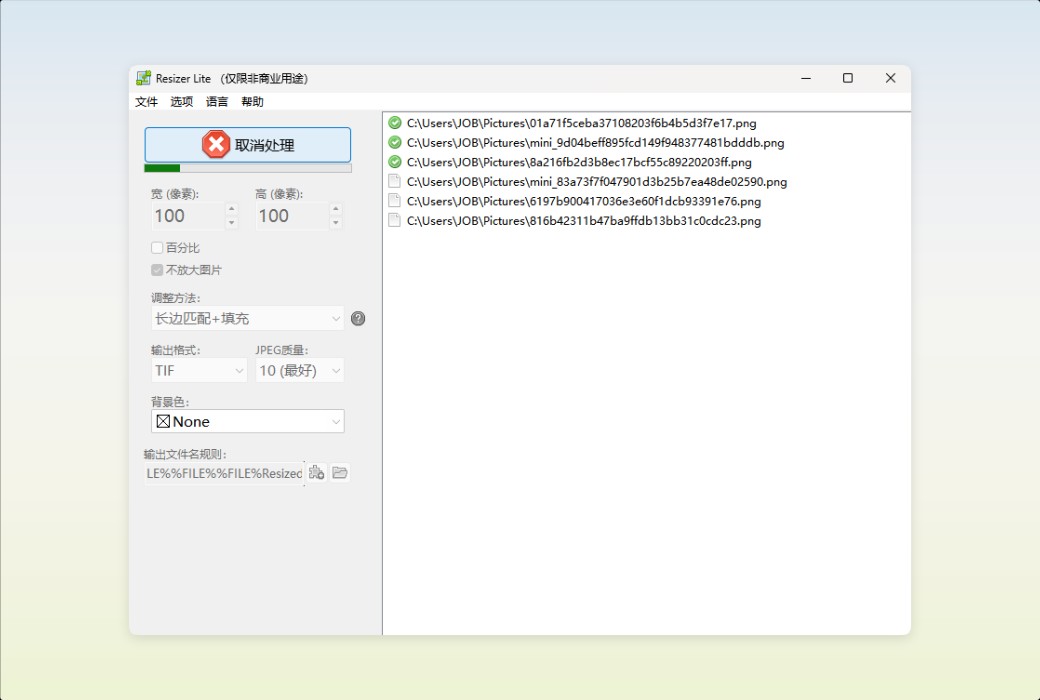
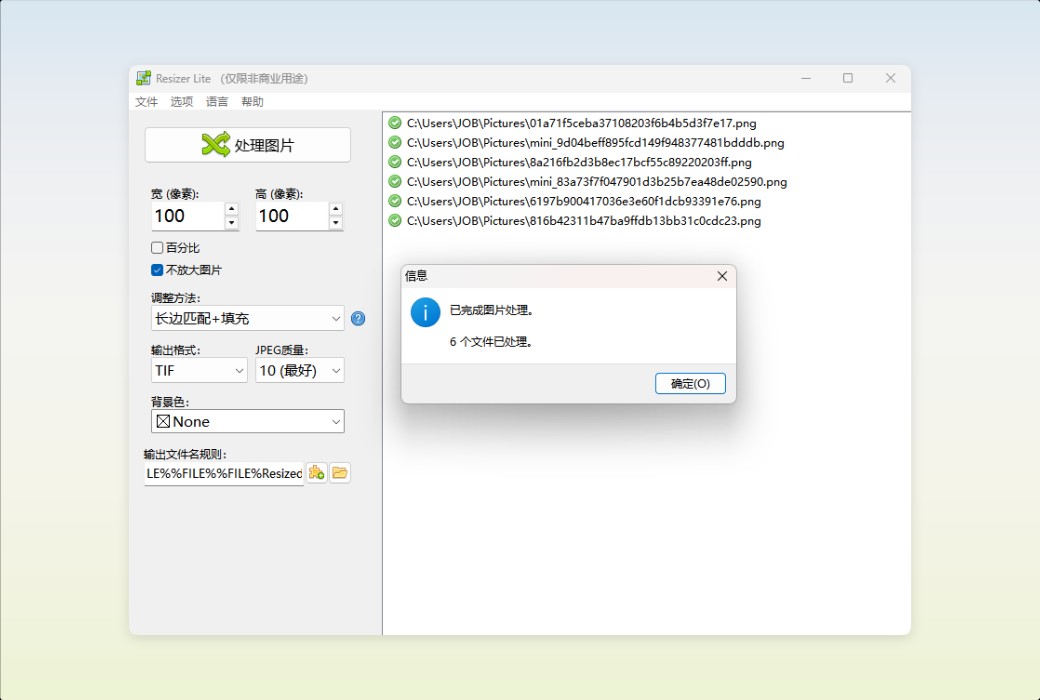
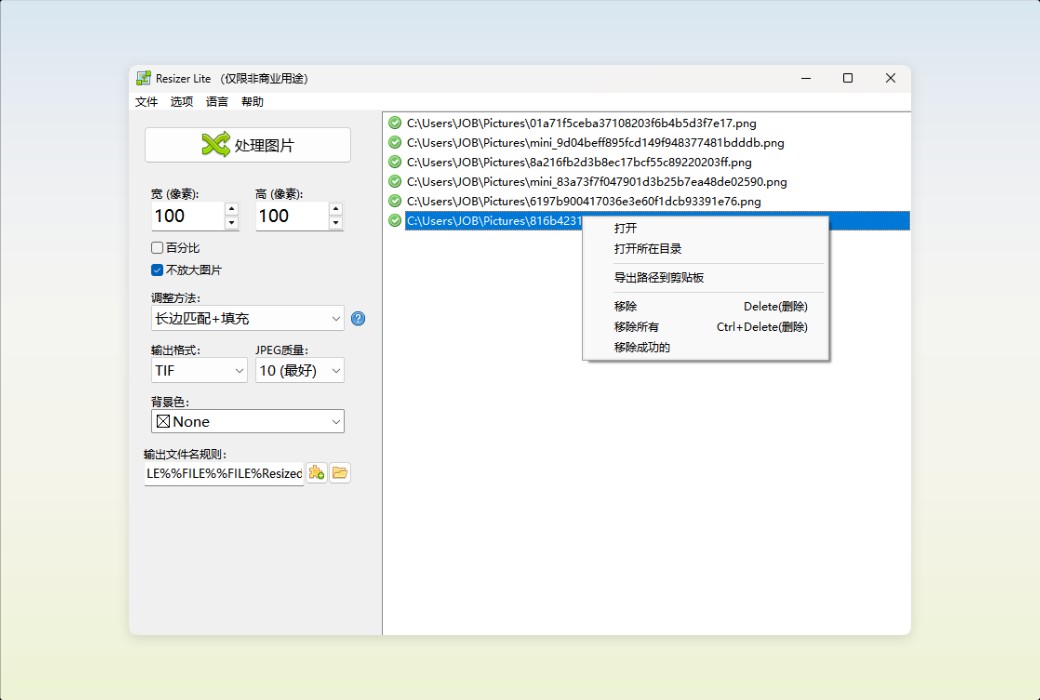
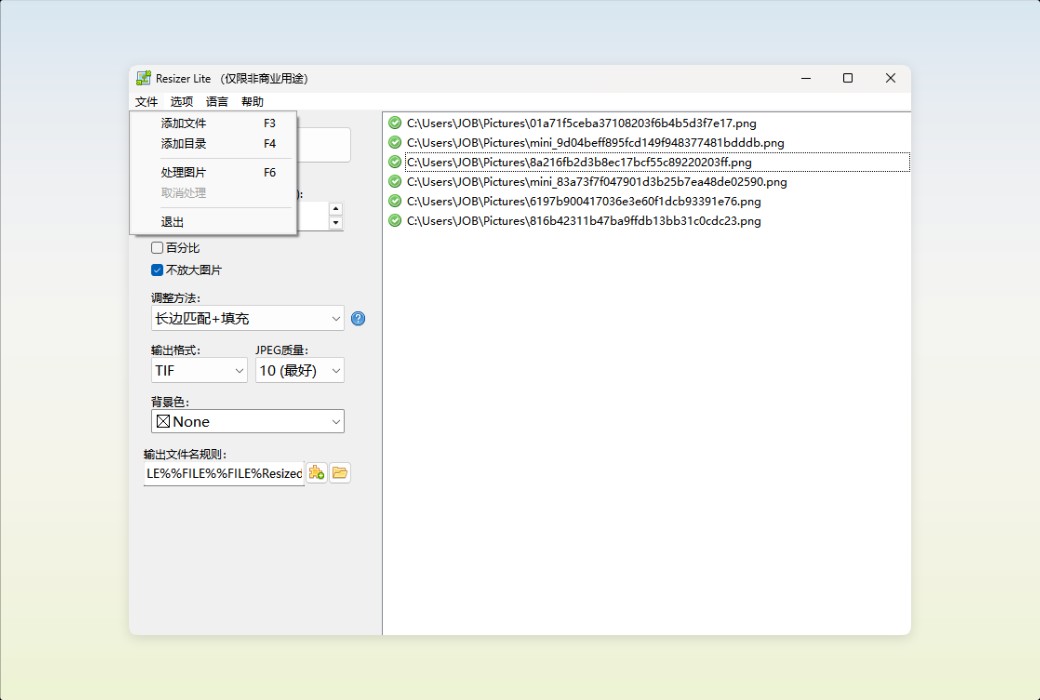
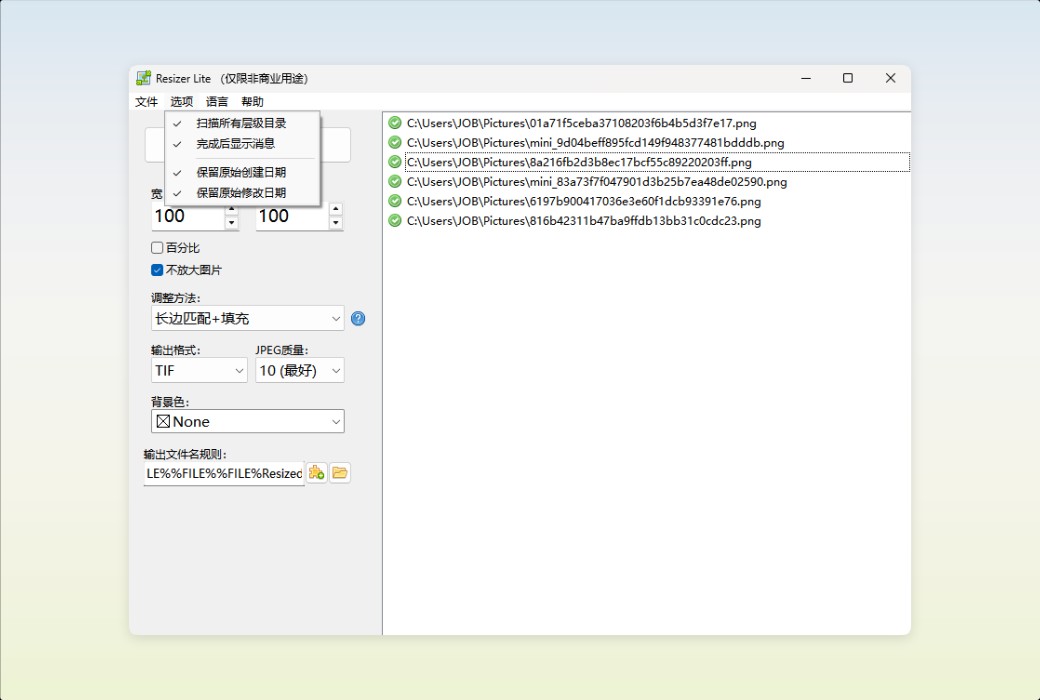
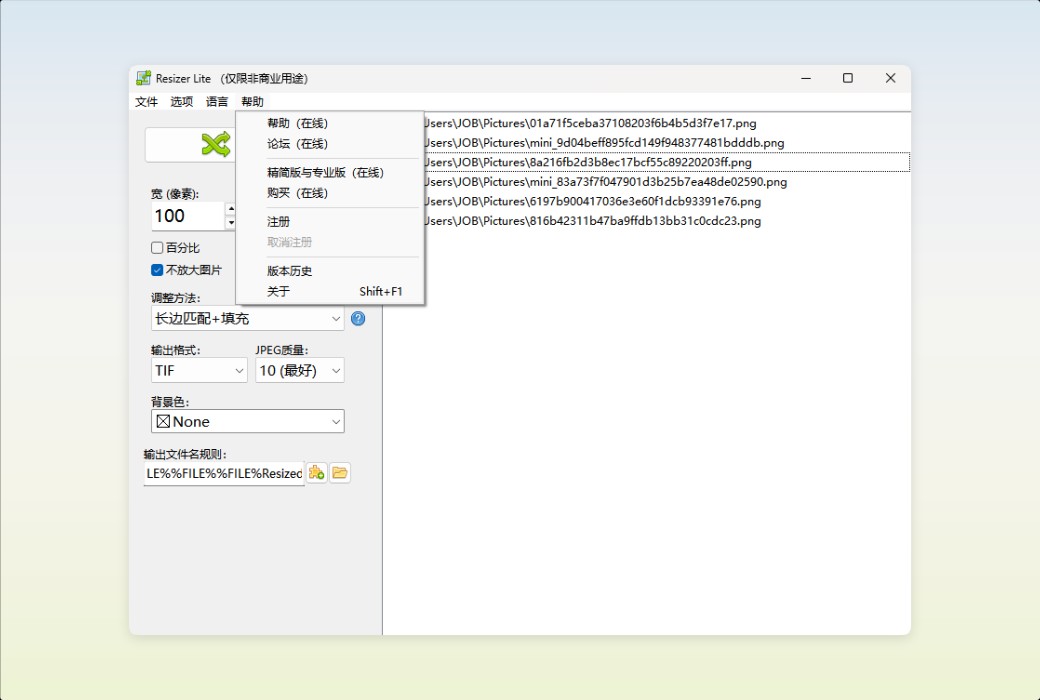
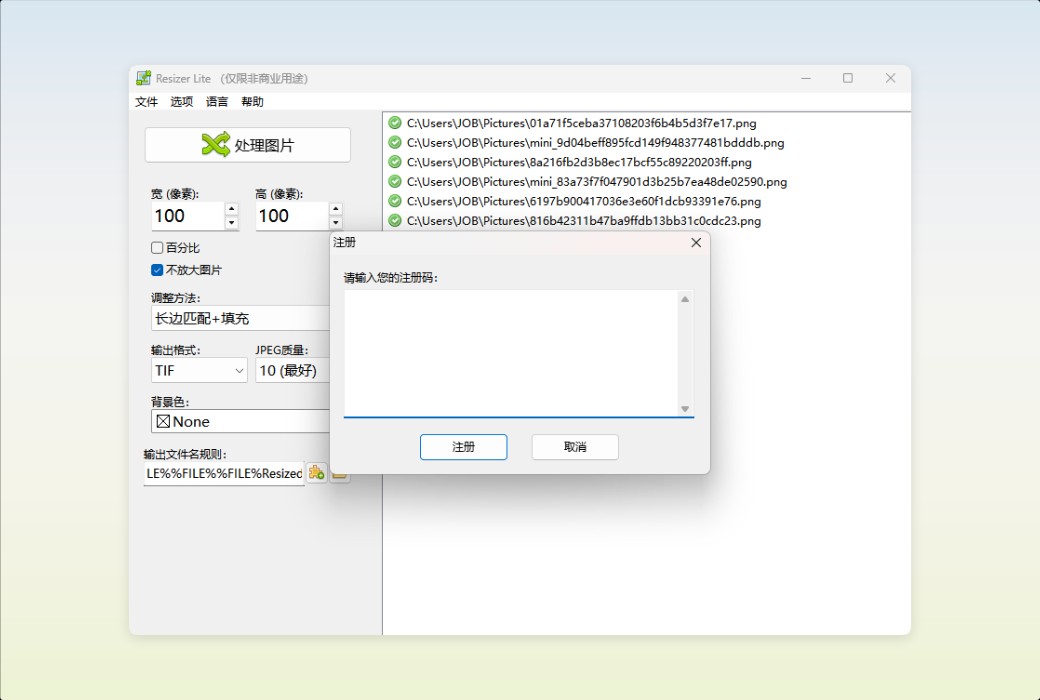
Den4b Resizer is a powerful batch image processing tool designed to meet the diverse needs of users for image processing. It supports various common image formats such as BMP, GIF, PNG, JPEG, TIFF, etc., making it easy to handle various image processing scenarios. Whether it's resizing images, changing image formats, or batch processing a large number of images, den4b Resizer can efficiently and accurately complete tasks.


core functionality


  1. Batch image resizing

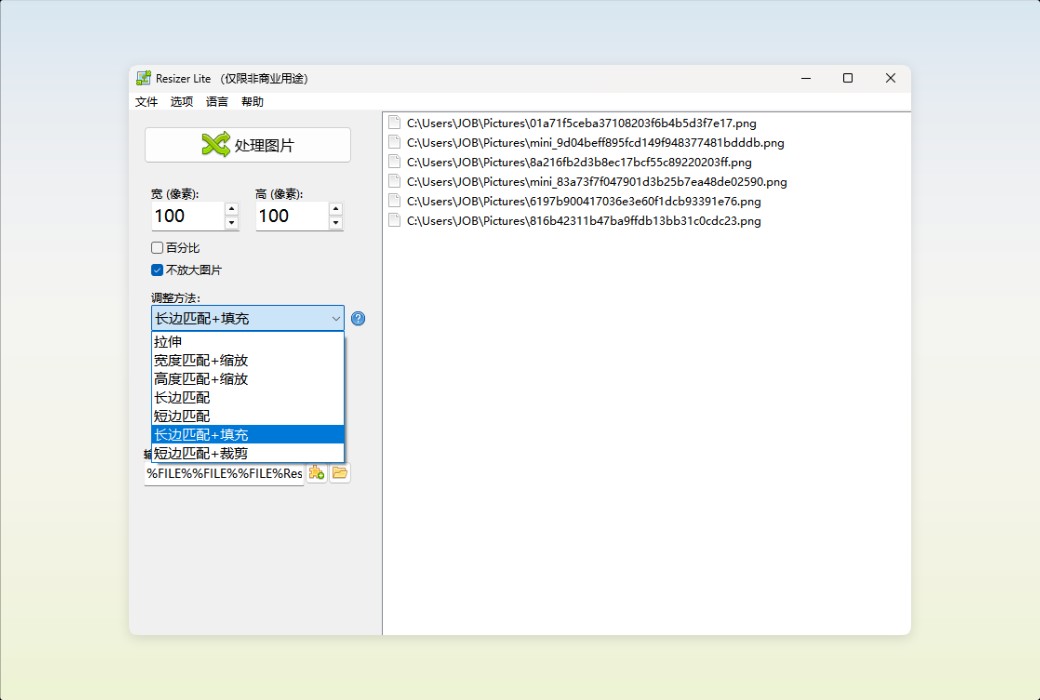
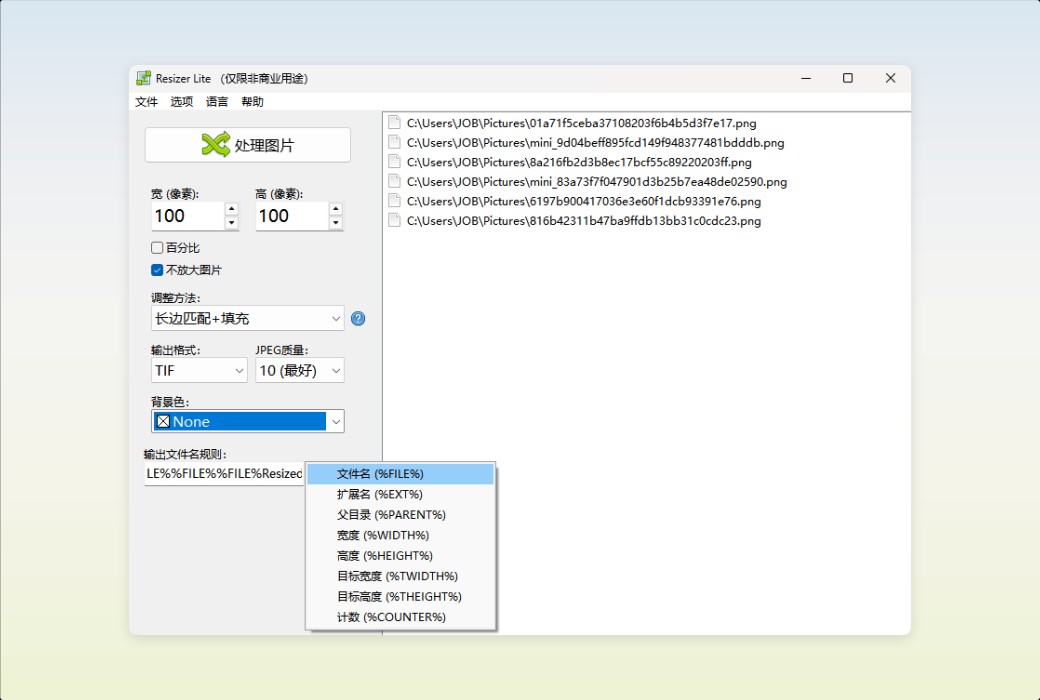
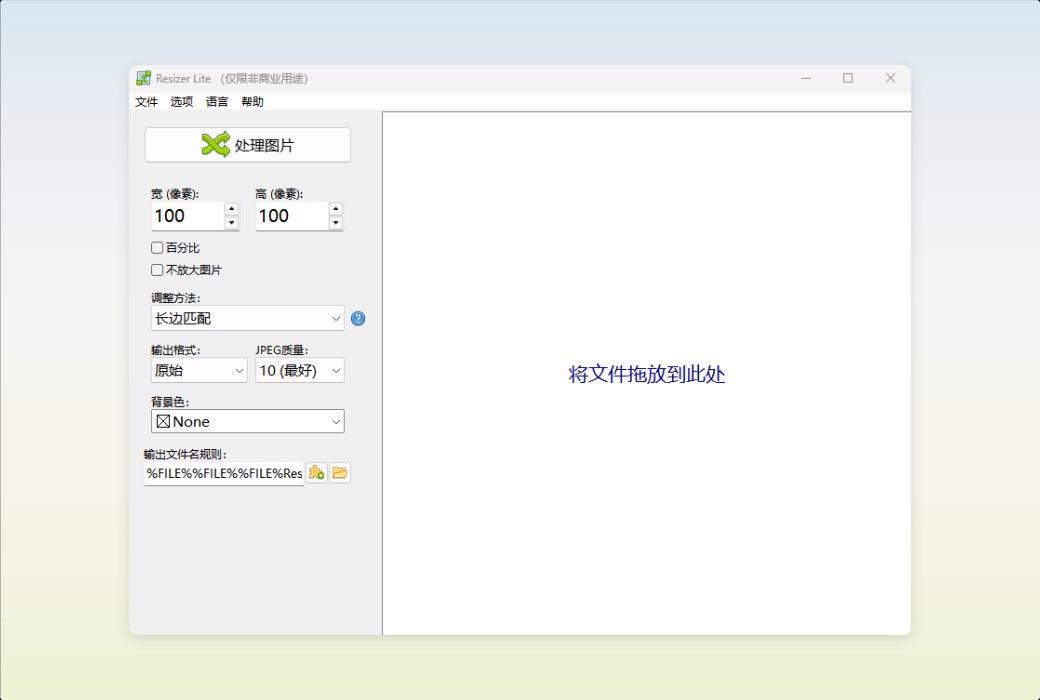
Den4b Resizer provides multiple image resizing options, including maintaining the original aspect ratio, customizing aspect ratio, fixed width or height, and more. Users can flexibly choose adjustment methods according to their actual needs, ensuring that the image maintains the best display effect in different devices and application scenarios.


  1. Image format conversion

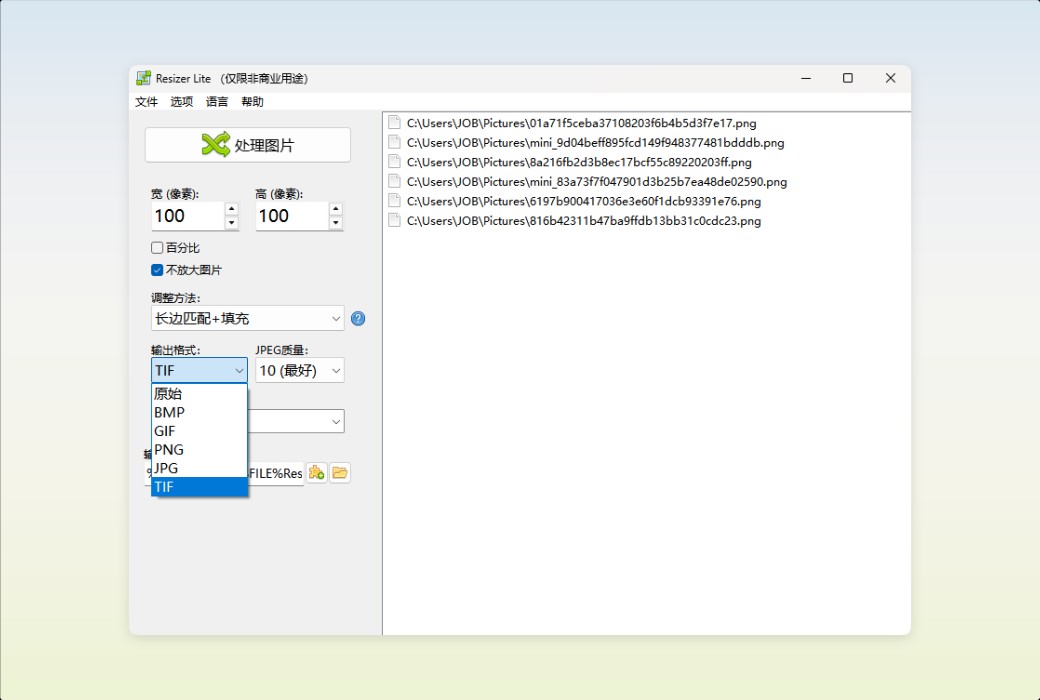
Supports converting images from one format to another, such as converting BMP to JPEG, PNG to GIF, etc. Users can choose the target format according to their needs, easily convert image formats, and meet the requirements of different platforms and applications for image formats.


  1. Customize output file name

Den4b Resizer allows users to customize the naming conventions for output file names, supporting the addition of prefixes, suffixes, serial numbers, and more. This feature provides users with great flexibility and facilitates the management and classification of processed images.


  1. Easy to use drag and drop interface

The software adopts an intuitive drag and drop interface, where users only need to drag and drop image files into the software window to start processing. The operation is simple and fast, without complex settings and steps, even beginners can easily get started.


  1. language support

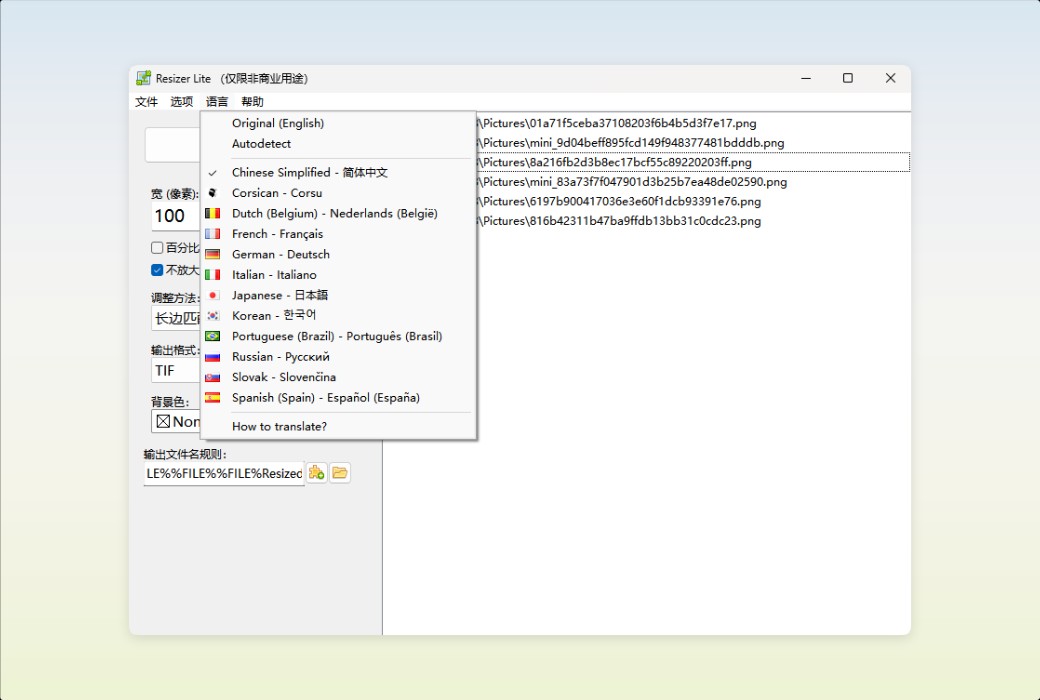
Den4b Resizer provides multiple language versions, including simplified Chinese, English, French, German, Italian, Japanese, Korean, Portuguese (Brazil), Russian, Slovak, Spanish (Spain), Turkish, etc., to meet the needs of users in different regions.


Den4b Resizer makes image processing no longer a challenge, but a powerful tool for improving work efficiency and creativity.


Den4b Resizer Image Batch Processing and Format Conversion Tool Software LOGO
Official website:https://www.den4b.com/products/resizer

Download Center:https://den4b-resizer.apsgo.cn

Delivery time:Manually process shipments online

Operating Platform:Windows

Interface language:Supports Chinese interface display and multiple language options.

Update Description:Use and update during the subscription period.

Trial before purchase:Free trial is available before purchase.

How to receive goods:After purchase, the activation information will be sent to the email address at the time of placing the order, and the corresponding product activation code can be viewed in the personal center, My Orders.

Number of devices:Can install one computer.

Replace computer:Uninstall the original computer and activate the new computer.

Activation guidance:To be added.

Special Instructions:To be added.

References:https://www.den4b.com/products/resizer

Any question

Submit
Ask a question
All Default Newest